-(2).png)
How to Select a Background for Your Photo
To select a background, you must first choose an image that displays a gray checkered background. These are the only images that allow background selection.
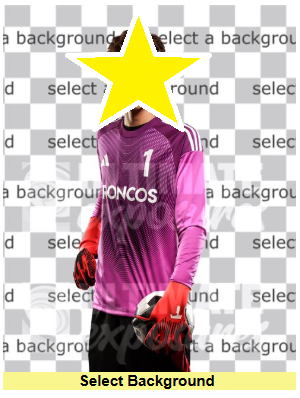
Photos in your gallery that already show a background (either the one taken on picture day or a preselected background) cannot be changed.
How to Choose a Background
-
Select a photo with the gray checkered background.
Click “Order Picture” or “Continue to Order.”
Choose one of the event-specific backgrounds shown for your event.
- To see additional options, use the dropdown menu to browse other background categories.
- Click your preferred background, then select “Continue to Order.”
- Review available products and pricing, then follow the prompts to complete your order.
Important Reminder
Only images with the gray checkered background allow background changes. If that option is not visible, the background for that image cannot be modified.